Starter
Price shown on the checkout page before you confirm
per month
- Shared inbox for a small team
- Ticketing with status and assignee
- Email and website chat channels
- contact our support team
Help desk platform for support and post-sales teams
Tickets, shared inbox, and knowledge base in a single workspace. Connect email, website chat, and social media, then route, reply, and measure in one place.
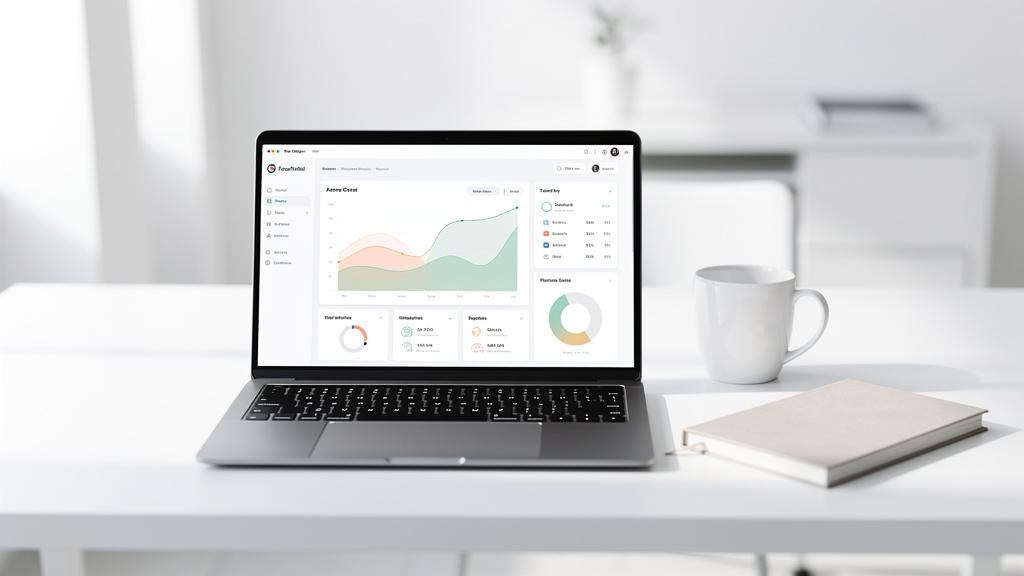
Every customer conversation, one organized inbox.
What the panel does
Email, website chat, and social media messages land in the same panel. Your team stops switching tabs to find the full history of a customer.
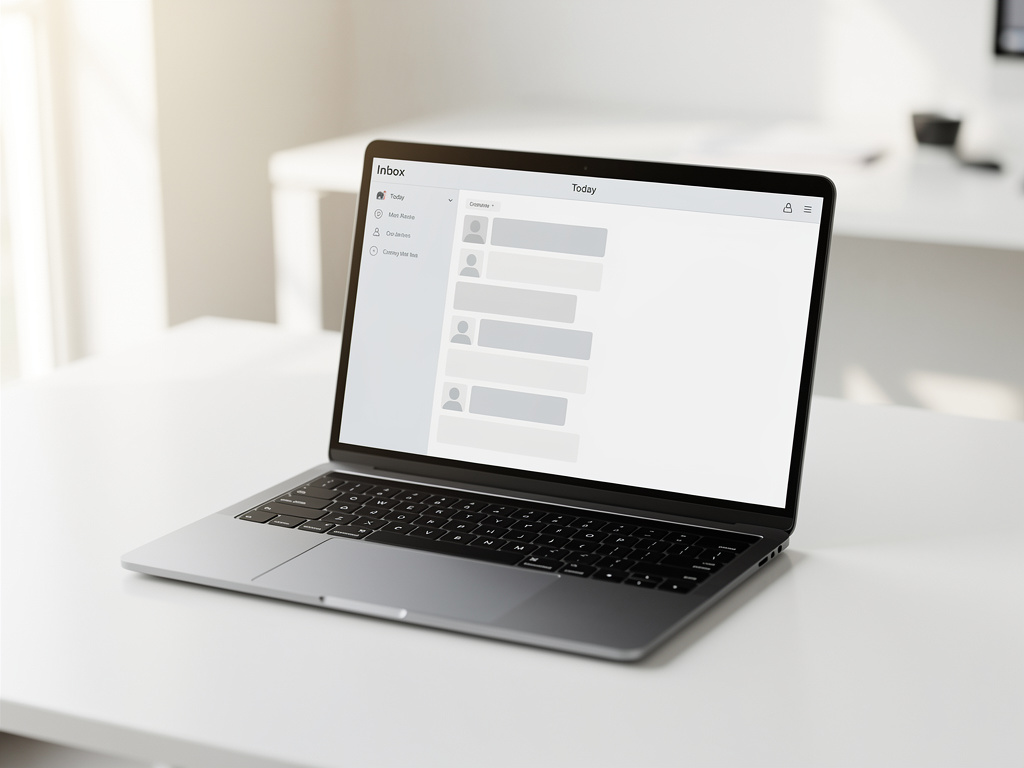
Each conversation becomes a ticket with status, assignee, and history. Nothing stays unanswered because no one knew it was theirs.
Distribute incoming conversations into queues by topic, channel, or team. Agents open the panel and already know what to handle first.
Set up automatic responses for the messages that arrive every day, like order status or business hours, and keep agents focused on complex cases.

Publish articles and answers in a structured knowledge base. Agents link to them inside tickets instead of rewriting the same explanation.
Follow volume, queues, and team activity with built-in reports. Use the numbers to plan shifts and spot where conversations pile up.
Plans and subscription
Suraiyosaidovadesk is sold as a monthly subscription, priced per agent on the plan. The subscription renews automatically every month until you cancel it — to cancel, reach us through the contact page and the request is processed for the following renewal. Read the Refund Policy, the Terms of Use and the delivery terms before subscribing.
Price shown on the checkout page before you confirm
per month
Price shown on the checkout page before you confirm
per month
Price shown on the checkout page before you confirm
per month
How it works
1
Link your support email, website chat, and social media accounts to the panel. Incoming messages start arriving as tickets.
2
Create queues, add your agents, and define automatic replies and routing rules that match how your support already works.
3
Your team replies from the shared inbox, uses the knowledge base for recurring topics, and tracks results in the reports.


About the company
Suraiyosaidovadesk is an online help desk and customer service platform built for small and medium businesses, e-commerces, and post-sales teams. We bring ticketing, a shared inbox, and a knowledge base together so support work has one home.
The platform centralizes email, website chat, and social media in a single panel, with automated replies, queues, and team performance reports. The idea is simple: fewer scattered tools, more visibility over every conversation.
Access is sold as a monthly subscription, with plans that scale by the number of agents using the panel. contact our support team
To give growing support teams an organized, transparent way to handle every customer conversation.
Suraiyosaidovadesk · Reg. · · [email protected] ·

Questions and answers
Suraiyosaidovadesk is a monthly subscription, and the price depends on how many agents you have on the plan. contact our support team contact our support team
Plans are priced per agent, billed monthly. contact our support team
The subscription is recurring and can be cancelled when you no longer want to renew. contact our support team
Refund requests are handled through our official support channel. 30 See the Refund Policy.
Access is delivered online, with login details sent to the email used on signup. contact our support team
The panel centralizes email, website chat, and social media messages. [email protected]
Yes. Plans are organized by number of agents, so you move to the plan that fits your team size. contact our support team
No. Suraiyosaidovadesk is an online platform accessed through the browser. contact our support team
contact our support team
Next step
See how tickets, the shared inbox, and the knowledge base work together for your team. Tell us your channels and team size, and we'll show you the setup.
Request a demo